


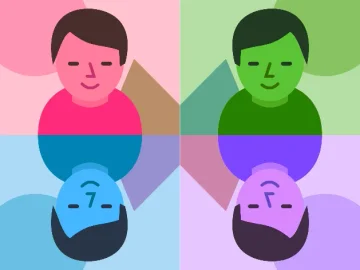
Ready for your next great photo?
Try live effects. Capture something fun.
Your photo booth starts right here.
Tap the left edge to go back · tap the right edge for the next look
Normal
Just you. A clean camera, ready for anything.
Choose a look, then start your camera.
MADE BY YOU
Your moments
Your next favorite photo goes here.Photos, four-shot strips, and short videos.
Saved here for this visit. Download your favorites before closing the page.
Free online webcam effects and funny camera filters
NO DOWNLOAD. NO BIG PRODUCTION.
How to use the online webcam effects studio
Follow this quick webcam tutorial to choose a camera filter, adjust your look, take a photo, and save it. Your camera stays in your browser.
- 01
Turn on your camera
Choose Start camera and allow camera access. Your live preview appears here, and processing stays on your device.
See the camera preview - 02
Find your next look
Tap the left edge to go back, or the right edge for the next effect. You can also swipe, use arrow keys, choose a group tab, or search the illustrated library. On mobile, swipe the group tabs to see more categories.
Explore the effect library - 03
Make the look yours
Check the selected effect’s description and adjust its strength when the control is available. Some effects also offer a palette or camera setting.
See effect details - 04
Make it a keeper
Choose Photo, Photo strip, or Video, then press the shutter inside the camera. Use the timer to get ready. For video sound, allow microphone access when recording starts. Turn off Record sound in videos in Camera settings for a silent clip.
See capture controls - 05
Your captures are one tap away
After capturing, a thumbnail appears beside the shutter. Tap it to reach Your moments and download your latest capture, or save all before leaving.
See your captures